


Instagram is switching things up again. The platform just launched five fresh features that aim to make your experience smoother, more connected, and just a little smarter.
Here’s a closer look at what’s new, what each feature does, and how it might change the way you use Instagram:
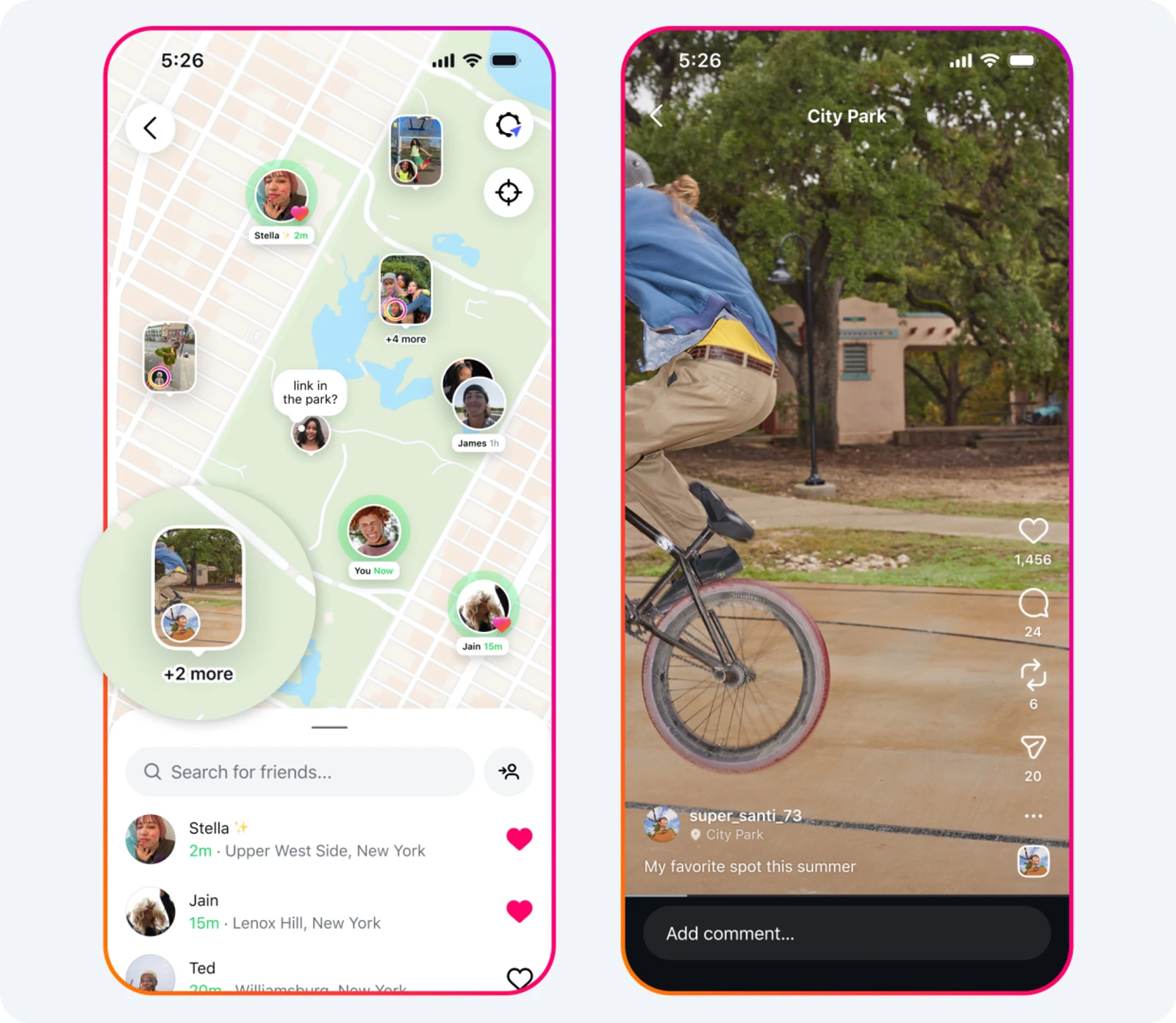
1. Share Your Location in Real Time (Only if You Want To)
Instagram Maps now includes the ability to show your live location with certain friends. Think of it as a private way to let close connections see where you are or where you’ve been active. You choose who sees what, whether it’s a small circle, just one person, or no one at all. You can pause location sharing anytime or block out specific spots for extra privacy. Currently, this feature is only available in the U.S., and it feels a bit like Snapchat’s map but without leaving Instagram.
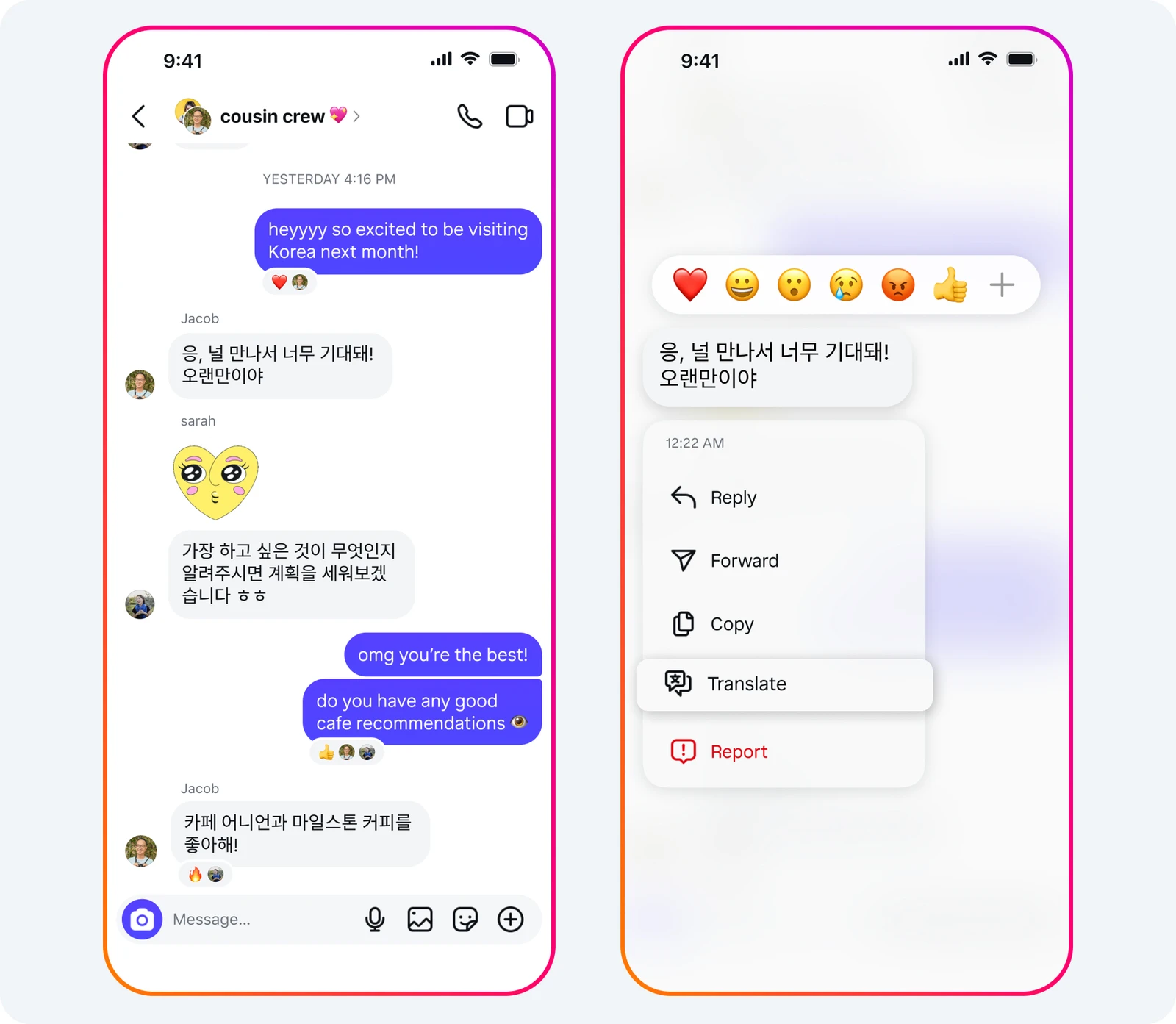
2. Built-In Message Translation
Language barriers are a little less awkward now. Direct Messages have a new feature that lets you translate any message right inside the chat. Just press and hold the message, hit “Translate,” and the meaning will show up right below the original. No need to open another app or copy anything. It’s perfect for chatting with friends or followers who speak a different language.
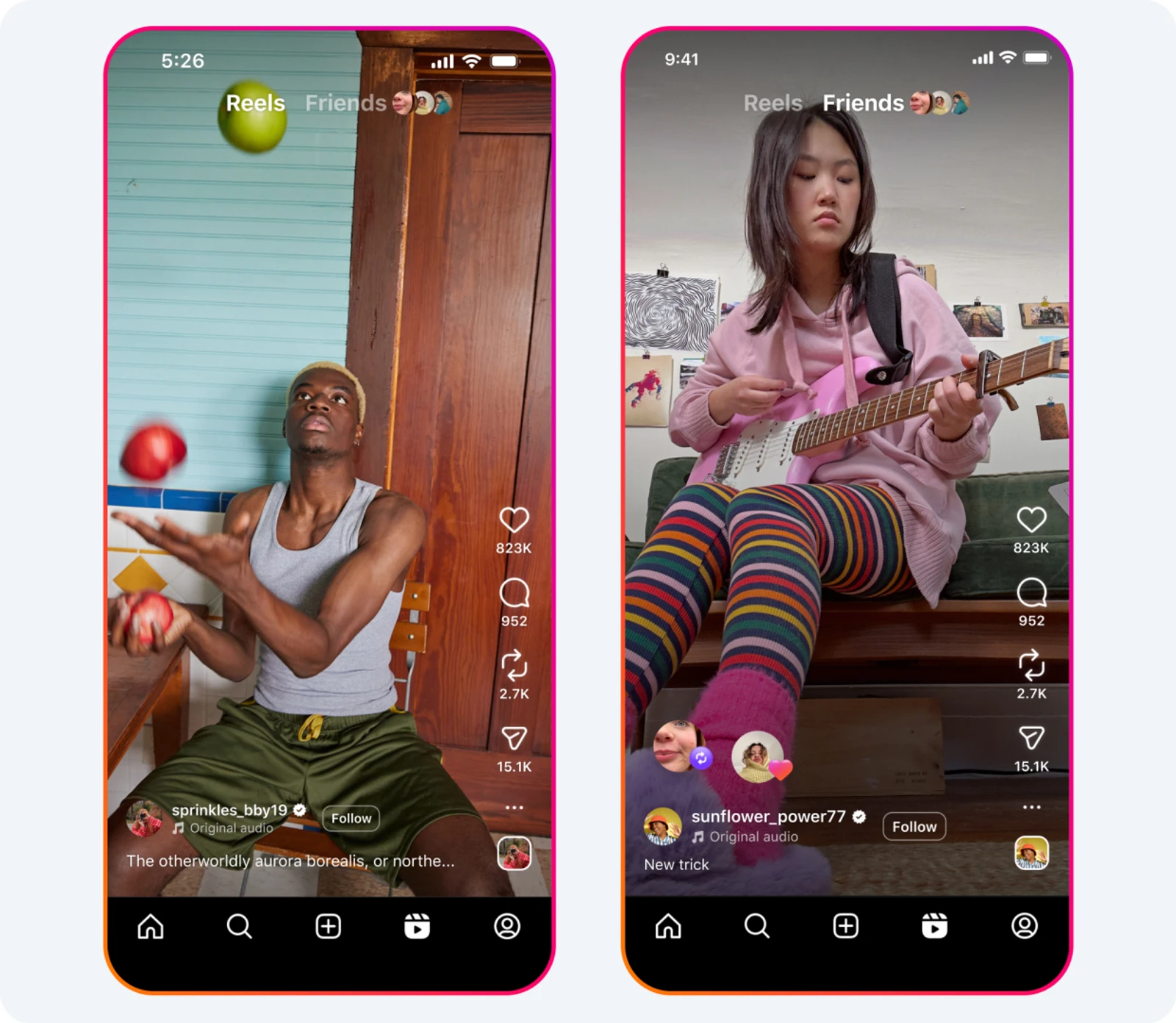
3. A Friends Tab to Discover What Your Circle Likes
A fresh section in the Reels tab called “Friends” helps you see public content your friends have interacted with, like posts they’ve liked or commented on. It also pulls in suggested posts from a shared interest feed called “Blends,” which combines your taste with a friend’s. Don’t worry, private activity stays hidden, and you can mute updates or hide your own if you want a little quiet time.
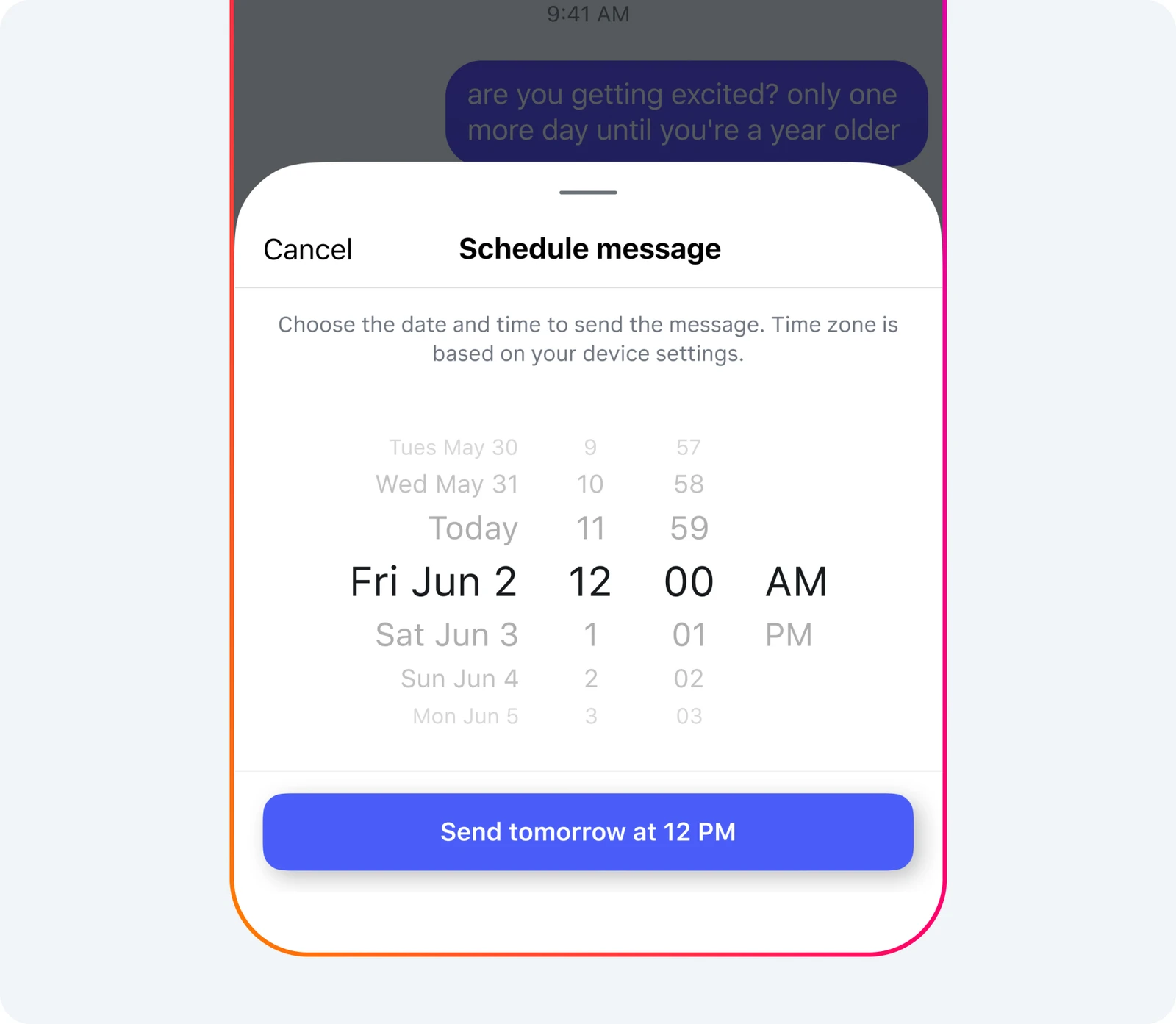
4. Schedule Messages for Later
Instagram now lets you decide when a message should be sent. When typing a DM, press and hold the send button to pick a date and time. It’s a useful option for sending reminders, planning things in advance, or just making sure a message arrives exactly when it should, whether you’re dealing with friends or work stuff.
5. Repost With Credit—and Commentary
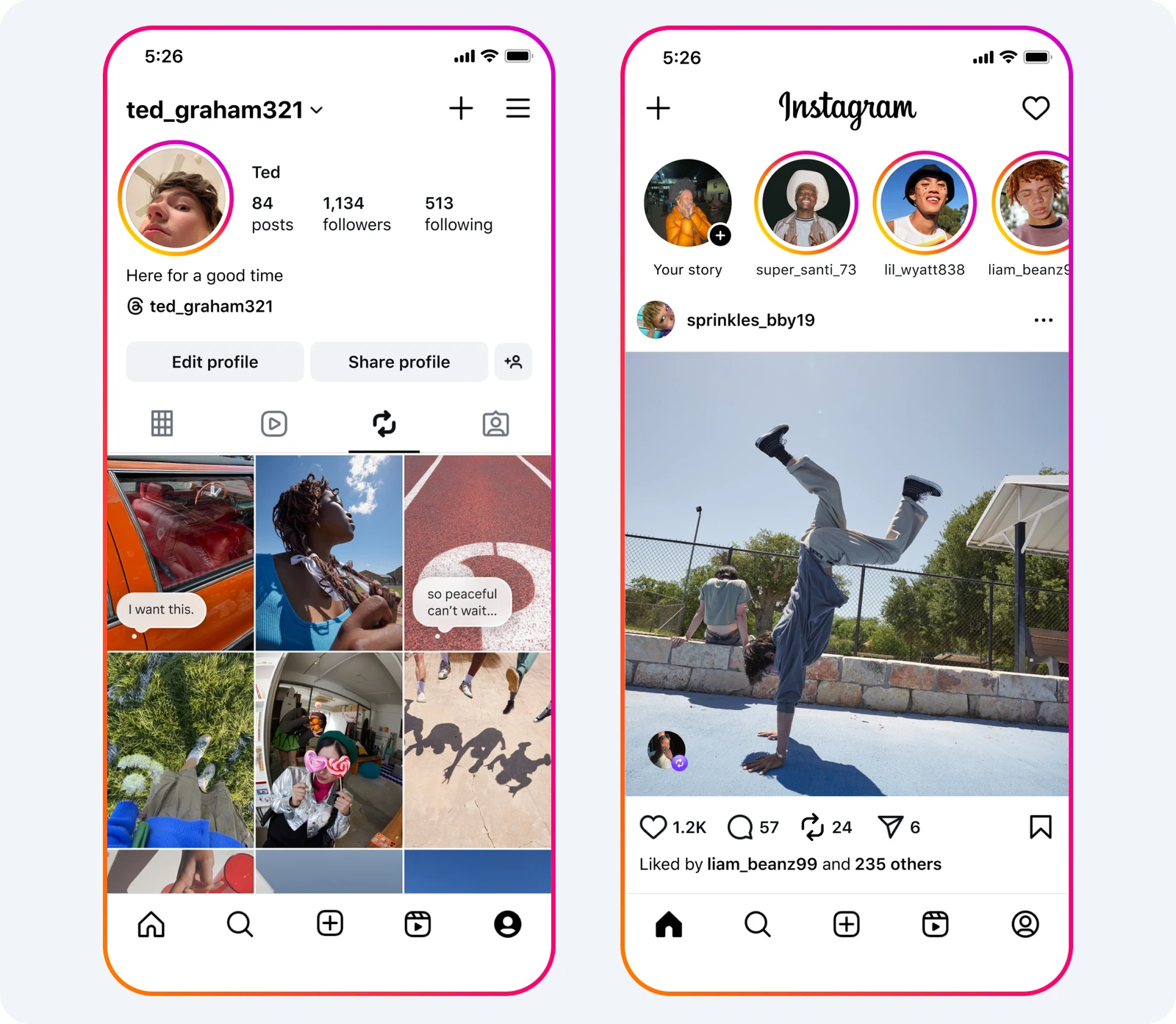
You can now reshare Reels or feed posts straight to a new “Reposts” section on your profile. The original creator’s name always stays attached, and you can even add your own comments or reactions. It’s a smoother way to show off cool stuff from others while adding your own spin. For creators, it’s another way for content to be discovered by wider audiences.
Original article seen on The Tab


